Casting votes
How to open a ballot, vote, and keep your confirmation code.
This page is for voters. You need the voting link or the event code from the organizer, and the event must be open.
In an election
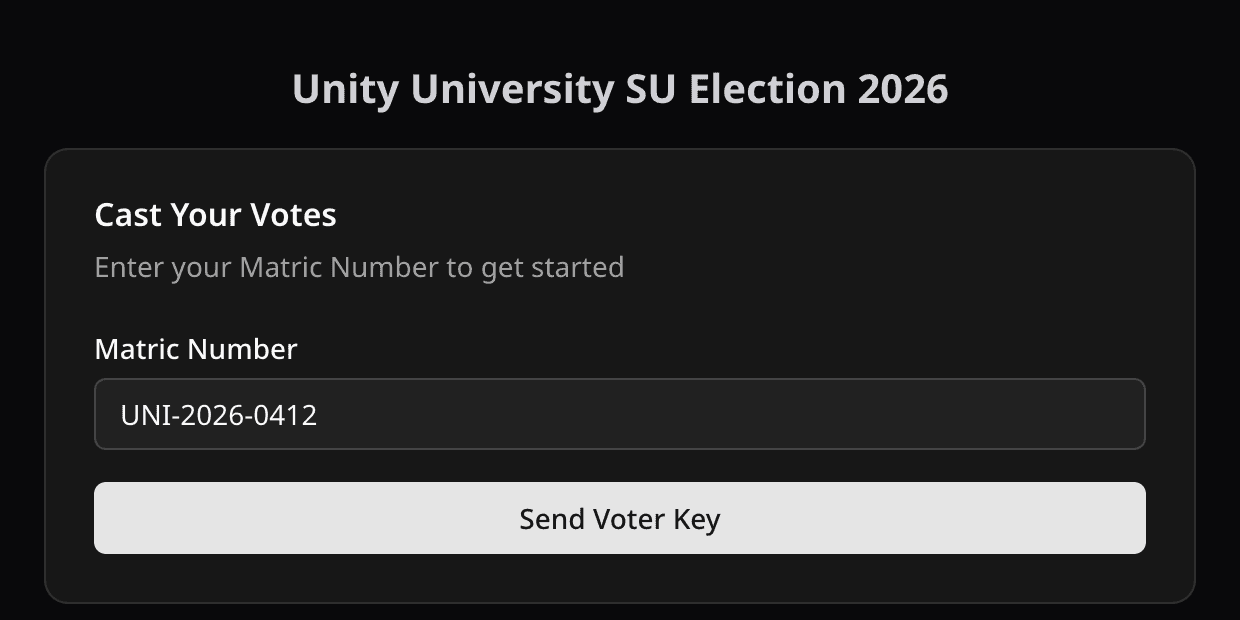
- Open the voting link and enter the event code if asked.
- Enter your registered email or Voter ID.
- Request your voter key. It arrives by email. Enter it on the page. If you already have your key, for example from an earlier email, select I have my voter key and enter it. Select I don't have my voter key to go back and request one. A new request replaces your old key.
- Fill in the ballot and submit it.
- Save the confirmation code.
You can vote once. If several key emails arrive, the newest one is the valid one.
In a poll
- Open the voting link.
- Enter a Voter ID, your name, or your email if the poll asks for them.
- Fill in the ballot. If the poll charges for votes, you pay before the ballot is accepted.
- Save the confirmation code.
In a multi-ballot election
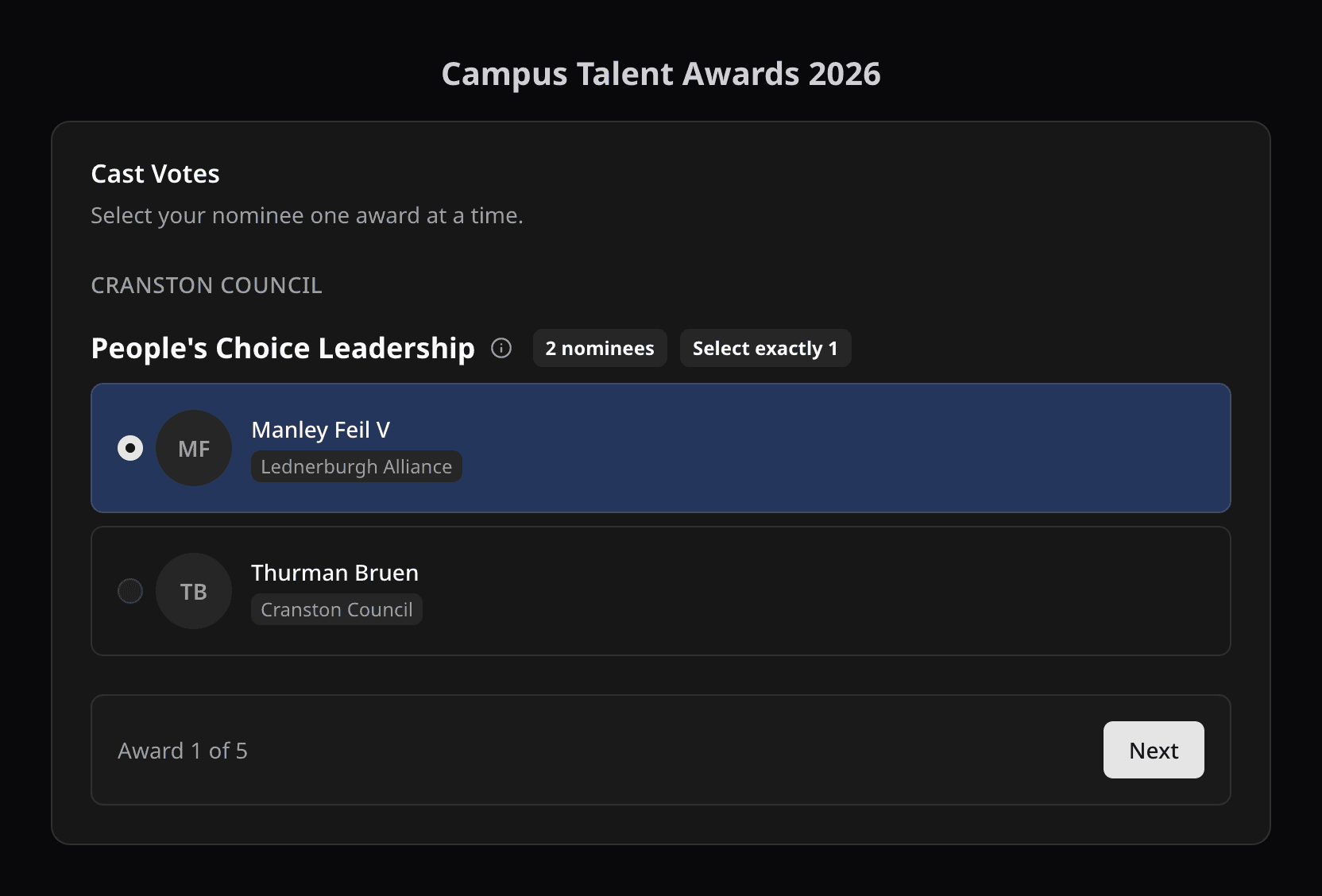
Some elections run several ballots in a row. You enter your voter key once.
- Vote on the open ballot. The page shows its title, such as Ballot #2.
- Save that ballot's confirmation code. Each ballot has its own code.
- Wait for the next ballot. When the organizer closes a ballot, its result shows on the page.
- When the next ballot opens, the page moves to it. You do not need to refresh.
On the same browser, select Cast votes to go straight to the latest ballot. On a new browser, enter your key again. Select Not you? under your name to clear the saved pass on a shared device.
If you missed an earlier ballot, you can still vote on the ones that are open. A closed ballot stays closed unless the organizer reopens it. At a voting center, verify again for each ballot.
See Multi-ballot elections for the organizer side.
Filling in the ballot
The ballot tells you the rules for each position. In short:
- Pick or approve: stay within the number of choices allowed.
- Score: whole numbers in the range shown. A 0 is a score, not a skip.
- Points: whole numbers that add up to no more than your budget.
- Ranking: rank your choices 1, 2, 3 with no gaps, up to the limit shown.
- Quadratic: each extra vote for the same candidate costs more credits. The page shows your balance.
If the event requires you to vote from a specific place, select Check my location and allow location access. The check lasts 30 minutes.
Your confirmation code
It proves your ballot was recorded. Use it on the confirm-votes page to see what was recorded and when. See Verify votes.
Something went wrong?
- Not started or already ended: only the organizer can change the schedule.
- Voter key does not work: check the email or Voter ID you entered, and use the newest key email.
- Location check fails: allow location access, move inside the voting center, and check again.
- Paid but no confirmation code: wait a moment, then try to vote again with the same email address used for the first payment. Do not use a different email.
More in Fix voter access problems.
Related help
Last updated October 29, 2026